Choose one place for the conversation
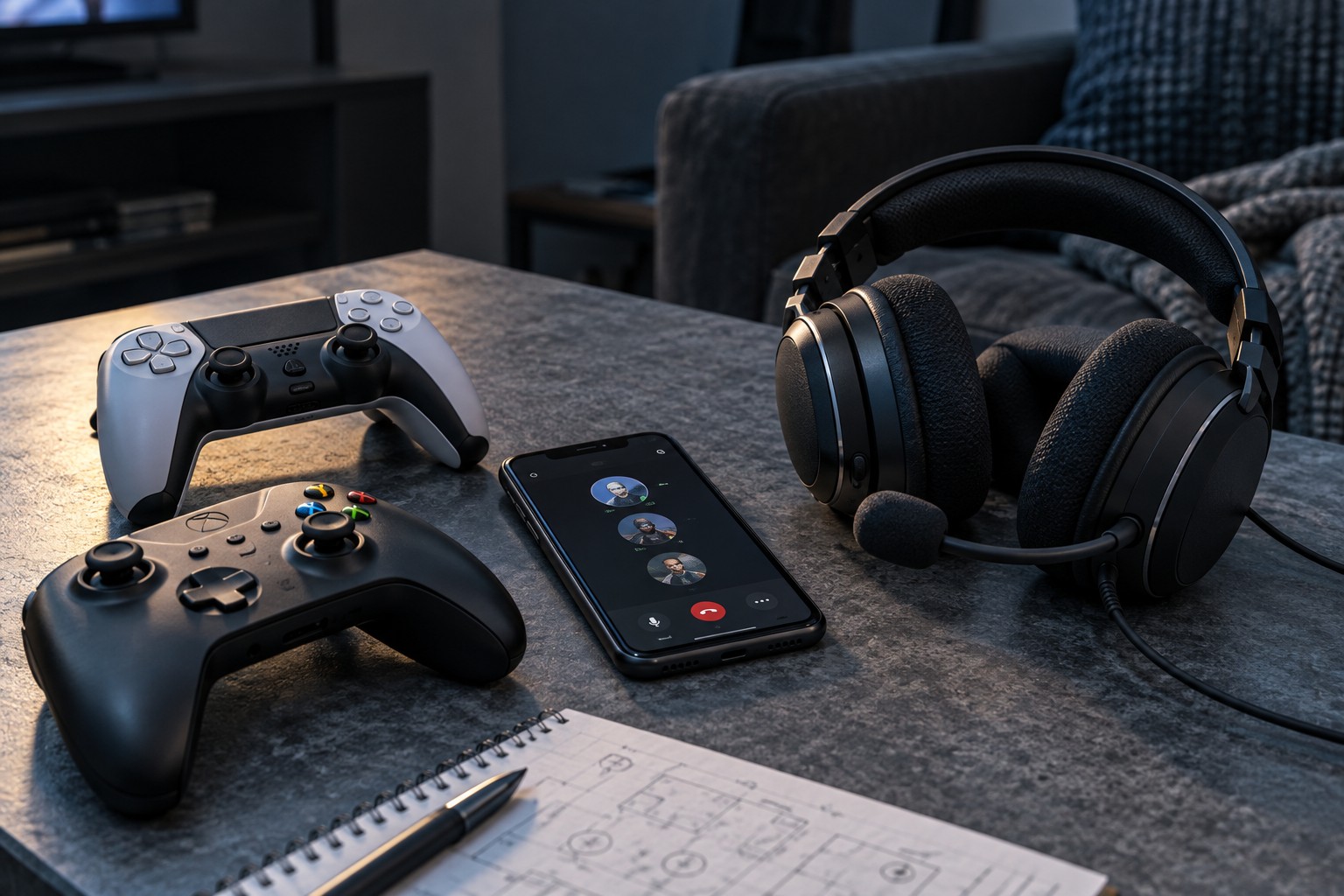
Ask whether everyone will use the game's own chat or a separate supported communication service. The answer depends on the game, platforms and account permissions involved. A console party may not include a friend on another system even when the game allows them into the match. Confirm the intended chat method with the group before replacing otherwise functional hardware.
Check communication settings and the correct channel inside the game. Team, party and proximity channels can serve different audiences. A player who hears strangers but not friends may be in the wrong channel rather than using a defective microphone. Household account restrictions can also affect communication, and should be reviewed by the responsible account holder rather than bypassed.
Map both audio directions
The headset needs to receive the conversation and send microphone audio through the supported connection. A headphone-only cable can carry sound without carrying a microphone. A USB headset may be supported on one platform and not another. Wireless models can use a dedicated transmitter that is platform-specific, so the word wireless alone says little about compatibility.
If game sound comes from a console while chat runs on a phone or computer, determine whether the headset explicitly supports the required simultaneous connections. Pairing with two devices does not always mean mixing their audio at once. Check which connection handles the microphone and whether taking a call interrupts the game. Avoid buying an unspecified splitter as a substitute for a documented mixing feature.
Make a two-minute voice check
Before the match, have each participant say a short sentence while the others listen. Check physical mute switches, input selection and microphone position. If one voice echoes, ask that player to reduce speaker leakage or use the headset output instead of the television. Change one person's setup at a time so the group can identify the cause.
Balance chat against gameplay at a comfortable overall volume. Making everything louder is a poor substitute for reducing an overpowering game mix. Keep a fallback communication method for setup problems, but avoid leaving two live microphones in the same conversation. Once the group has a working arrangement, note the service, channel and connection so the next session can begin with the game rather than another round of audio troubleshooting.