Check the required power arrangement
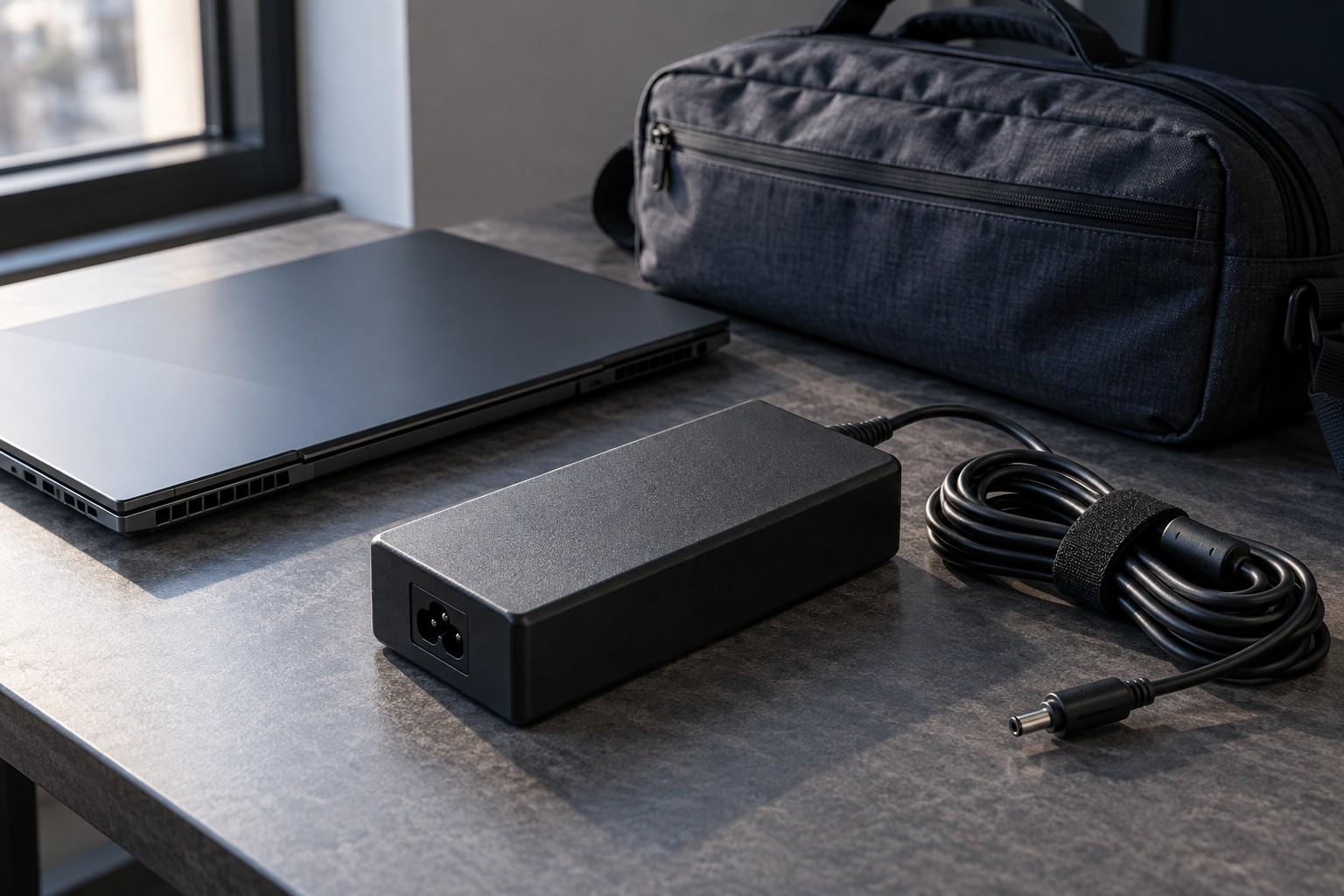
Read the laptop maker's charging specifications and identify the supplied adapter. Note the connector, output requirements and any supported USB-C charging option. A USB-C port does not automatically accept charging, and a charger that connects physically may not provide the power profile the laptop requires.
If a smaller travel charger is supported, check what the maker says about performance while using it. It may be suitable for charging or light tasks without supporting full gaming operation. Decide whether that limitation fits the trip rather than assuming a compact adapter replaces the original in every situation.
Measure the complete kit
Include the adapter body, wall lead, laptop cable and any permitted regional plug arrangement. The total can occupy more bag space than the laptop's slim profile suggests. Check the cable's fixed strain relief and avoid bending it sharply to fit a narrow compartment.
Choose a bag pocket that keeps the adapter from pressing against the laptop screen. Loose plugs should not sit against the chassis finish or inside a sleeve with the computer. A separate pouch can simplify packing, but it should not become a place to operate a warm charger while covered.
Think about outlet placement at the destination. A very short cable may be inconvenient in a hotel or shared room, while a long one needs safe routing. Do not solve reach by stacking questionable adapters. Use a suitable approved power arrangement and keep walkways clear.
Decide whether a second charger is worthwhile
A second correctly specified charger at a regular destination can reduce daily carrying, but verify its exact compatibility. Similar connectors and wattage labels are not enough when the laptop requires a particular power profile or identification system. Buy through a source that clearly identifies the supported model.
Label chargers used by several household laptops so the right one returns to each bag. Keep the model and output information in the equipment notes. If charging is inconsistent, test with the original supported adapter before concluding that the laptop battery is faulty.
Compare laptops using the configuration you will really carry. A slightly heavier computer with a simpler supported charging arrangement may be easier for your routine than a lighter chassis paired with a much larger required adapter. Portability is the complete system, not the laptop-only weight printed at the top of a listing.