Measure the complete footprint
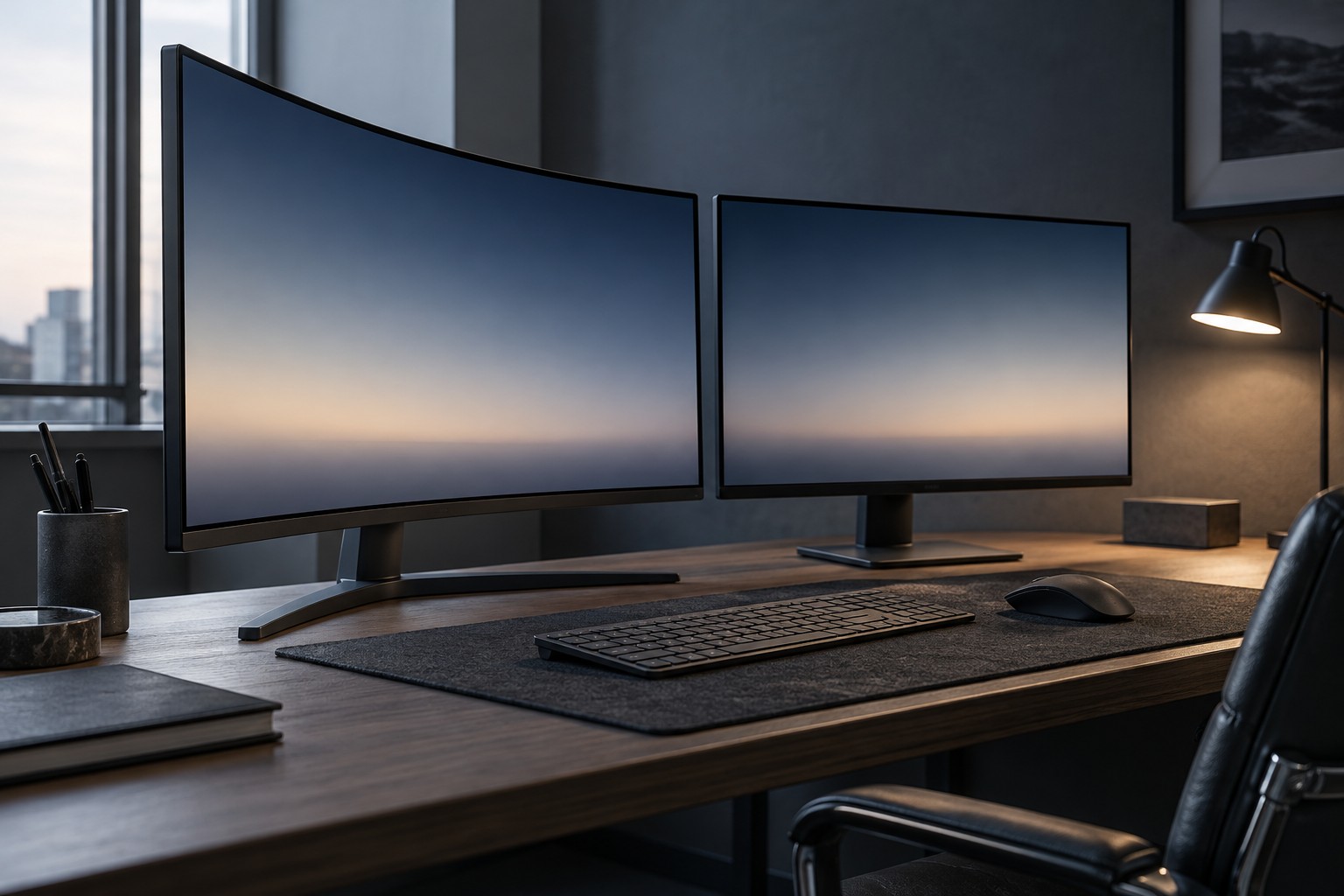
Read the monitor's width, depth and stand dimensions. A curved panel can extend differently at the center and edges, while a large stand can occupy more desk space than the screen shape suggests. Make an outline of the full footprint before assuming that curvature saves room.
Check where the keyboard and mouse will sit. If the monitor stand pushes them toward the desk edge, the setup may become awkward even when the screen itself fits. A compatible arm can change the arrangement, but it needs a suitable desk mount and must support the monitor's size and weight.
Try the intended viewing position
Curvature is usually described by a radius figure, but that number is not a universal instruction for where every person must sit. Use the manufacturer's viewing guidance and compare the screen from your normal position. Notice the corners, interface elements and any reflections rather than focusing only on the center.
If another person often watches from beside you, inspect the view from that position too. A screen chosen for one centered user may behave differently for shared viewing. This is especially relevant when the monitor also serves a console or media setup.
Compare flat and curved options at similar size and resolution where possible. Otherwise, a difference attributed to curvature may actually come from a larger panel, different pixel density or another display characteristic. Keep the comparison tied to what changes in your desk arrangement.
Include everyday applications
Use a browser, documents and the games you play during the evaluation. A curved presentation may feel natural to one person and unfamiliar to another, particularly in applications with many straight lines. Familiarity can develop, but there is no requirement to prefer curvature because the monitor is marketed for gaming.
Check the room's lights and windows. Reflections can appear in different places across the surface, so inspect the actual daytime and evening arrangement. Increasing brightness is not always a satisfying answer to a poorly positioned light source.
Choose the screen that fits the desk and the way you view it. A small workspace can suit a flat or curved panel depending on the full dimensions. Curvature is one design choice; it does not compensate for insufficient viewing room, an unstable mount or a stand that blocks the controls.