Check the host connection
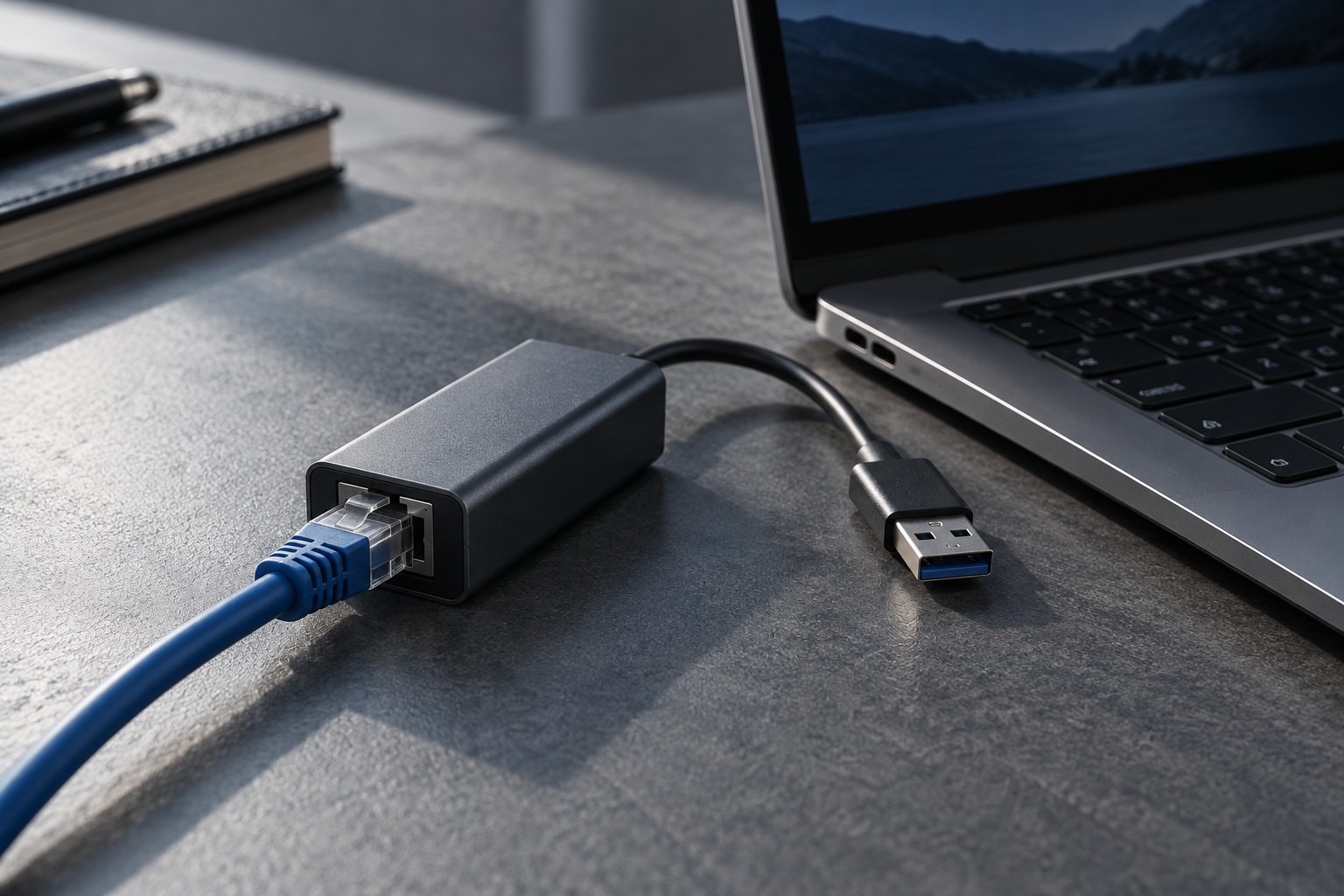
Identify the computer port you will use and compare it with the adapter's requirements. USB-A and USB-C versions can have different specifications even when both provide an Ethernet socket. Read the supported data connection and operating systems rather than choosing solely from the network-speed figure on the box.
For a dock with Ethernet, check whether network support requires a driver or a particular host mode. A workplace computer may restrict software installation. Confirm that the adapter works within those conditions before relying on it for a session away from home.
Match the rest of the network
The router or switch port, network cable and adapter all participate in the connection. A faster adapter does not make a slower internet plan faster, and a high local link rate does not guarantee low delay to every game server. Keep local connection capability separate from the service and route beyond the home.
Measure the cable route from the desk to the router or switch. Keep it away from walkways and door edges where it could be pinched. A wired connection is only convenient when the physical route can be installed safely and without tension on the adapter.
Check whether the adapter's weight pulls against a small laptop port. A short flexible lead or a supported dock position can reduce strain. Do not leave the cable hanging where a chair movement can drag the laptop or damage its socket.
Verify the active connection
After connecting, inspect the operating system's network status and test the intended application. If Wi-Fi remains enabled, confirm which path is being used rather than assuming the plugged-in cable has become primary. Follow the operating system's normal settings instead of changing unfamiliar advanced adapter options at random.
Obtain any required driver from the adapter or computer manufacturer. Keep the model information and a supported installer available if the computer will be used where internet access is not yet working. Avoid third-party driver-download sites offering an unspecified network package.
Compare stability during ordinary use, not only a short speed test. If disconnections occur, check the cable seating, adapter power arrangement and manufacturer guidance. A good adapter provides a supported reliable wired path; it should not be purchased as a promise to eliminate every source of online-game latency.