Find where the sound can leave
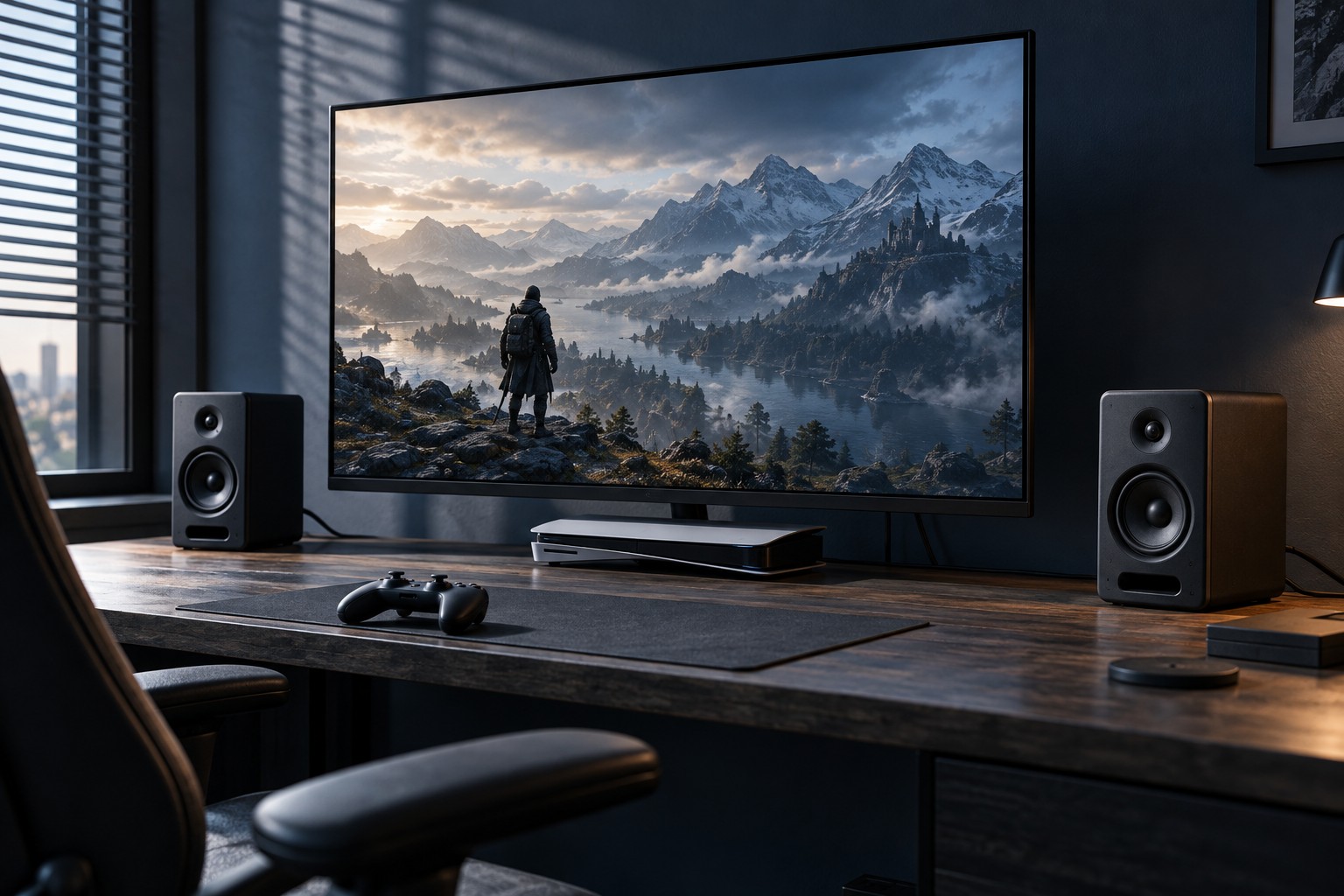
Read the monitor specifications for built-in speakers and audio outputs. An HDMI input can receive audio even when the monitor has no speakers, and a headphone symbol may indicate an output with its own volume control. Do not assume a USB port on the monitor provides a console-compatible audio connection. Its purpose may be unrelated to sound.
If the monitor has speakers, select the correct input and check its on-screen volume and mute settings. Then inspect the console's audio-output settings. A headset connected elsewhere may change which sounds reach HDMI. Test a known game or system sound at a moderate level before deciding that either device is faulty.
Match the next device to the output
Powered speakers with a suitable analog input can sometimes connect to a monitor's headphone or line output, but those labels are not interchangeable in every respect. Read both manuals for the intended connection and volume behavior. Passive speakers need appropriate amplification; they cannot simply be attached to a small headphone socket with a cable adapter.
A headset connected to a supported controller or console port offers another route. Check whether it carries game audio, chat or both, and whether microphone support is included. A cable that physically fits may omit the microphone connection or use the wrong contact arrangement. For wireless equipment, verify explicit console support rather than assuming ordinary Bluetooth pairing will be available.
Keep control within reach
Choose a setup with an accessible mute or volume control. Reaching behind a monitor every time a game starts loudly is inconvenient, particularly at a shared desk. If two volume controls are in the chain, establish a comfortable starting point for each and avoid compensating for a muted source by turning the other control to its maximum.
Run a short test with the same headset, chat mode and display input you normally use. Confirm that other household members can understand the switching process. If considering an HDMI audio extractor, check its complete video and audio compatibility first; it introduces another device into the display chain. A direct supported headset connection may meet the need with fewer parts, while speakers may suit a room where several people watch together.