Read the smallest words in the listing
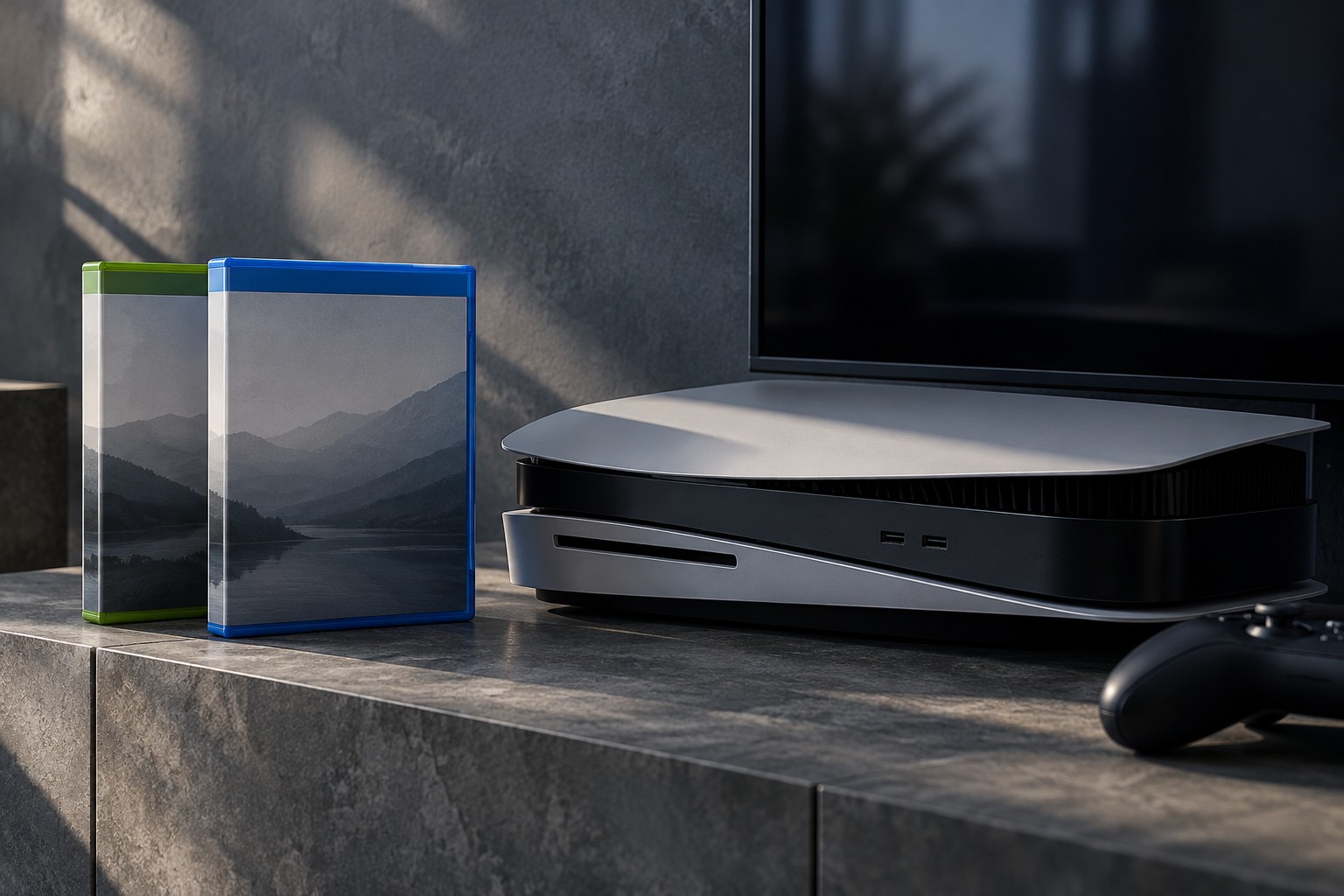
Start with the platform and generation stated in the product details. Cover art may show a franchise logo far more prominently than the device requirement. A PC key, a console download code and a physical console disc can look similar in a search result. Match the actual product to the machine and account on which it will be redeemed, including any regional restriction stated by the seller.
Next identify whether the listing is the base game, an expansion, an upgrade or a bundle. Words such as deluxe, complete and ultimate are marketing names rather than standardized promises. One deluxe edition may contain cosmetic items; another may include substantial expansions. Compare the itemized contents with what you already own so that a larger bundle does not become an accidental duplicate purchase.
Compatibility has more than one layer
A game that runs on a newer console through backward compatibility is not necessarily the newer console's native edition. The two can have separate downloads, saves or multiplayer arrangements. If an upgrade is advertised, read whether it is included, purchased separately or dependent on keeping the original disc available. Do not infer an upgrade entitlement from the fact that both versions appear in the same store.
Add-ons deserve a second check against the base game's edition and region. PlayStation's support guidance notes that a disc's licensed country or region can affect compatibility with add-ons bought through an account's store. That makes an imported disc more than a packaging choice when you intend to purchase expansions later. The relevant publisher or platform listing should resolve the match before you pay.
Match the purchase to your purpose
If the purpose is joining friends, compare the multiplayer mode and exact version they use. A remaster can have a different player pool from the original, and a shared franchise name does not establish cross-play. If the purpose is continuing an existing campaign, check save-import support rather than assuming that identical characters imply interchangeable files.
Keep the order confirmation and the product description until the game is installed and verified. Before redeeming a code or opening sealed packaging, review the seller's return conditions for that format. A brief note containing platform, edition, format and included expansions is an effective final check for gifts: it gives the recipient or another household member something unambiguous to confirm.
Work through a household example
Suppose one person owns a standard console edition on disc and another wants the same game on a PC. A discounted expansion pack for the console does not provide the PC base game, even if both listings share the same artwork. First choose the intended platform, then identify the base-game license, then add only the content that works with that version. This order is clearer than beginning with the cheapest bundle name.
For a replacement console, make a second pass through any upgrade conditions. If access to the newer version requires the older disc, a drive-less destination may not satisfy that condition. If the upgrade provides a separate executable, check the save-transfer process and the version selected in the library. The store showing both versions in one place does not make their save files or multiplayer modes identical.
When a listing remains ambiguous, send the seller the exact model, platform and edition you need and ask for the product identifier. A written answer tied to that identifier is more useful than a general assurance that the game works on modern consoles. Delay redemption until that mismatch is resolved.