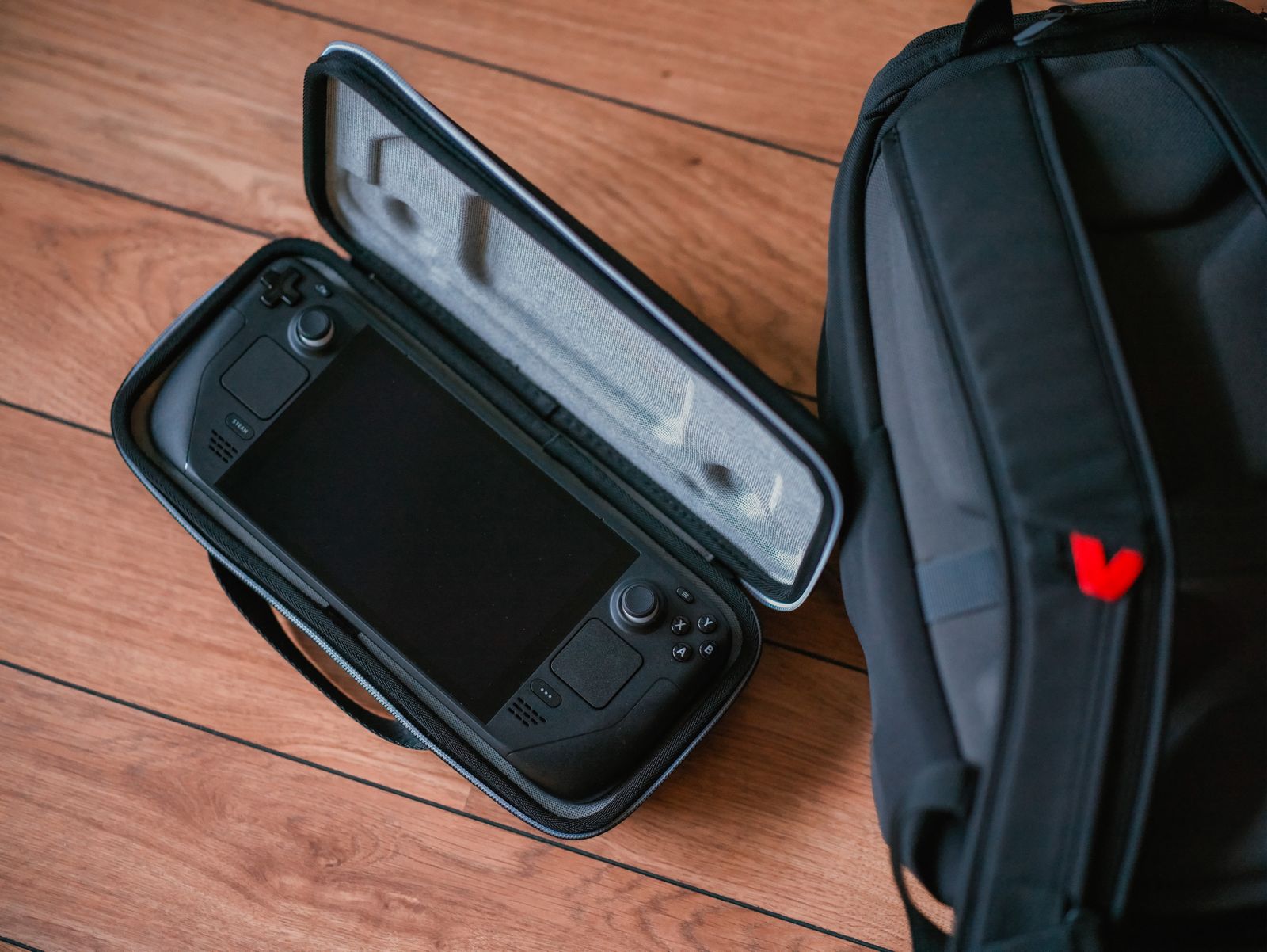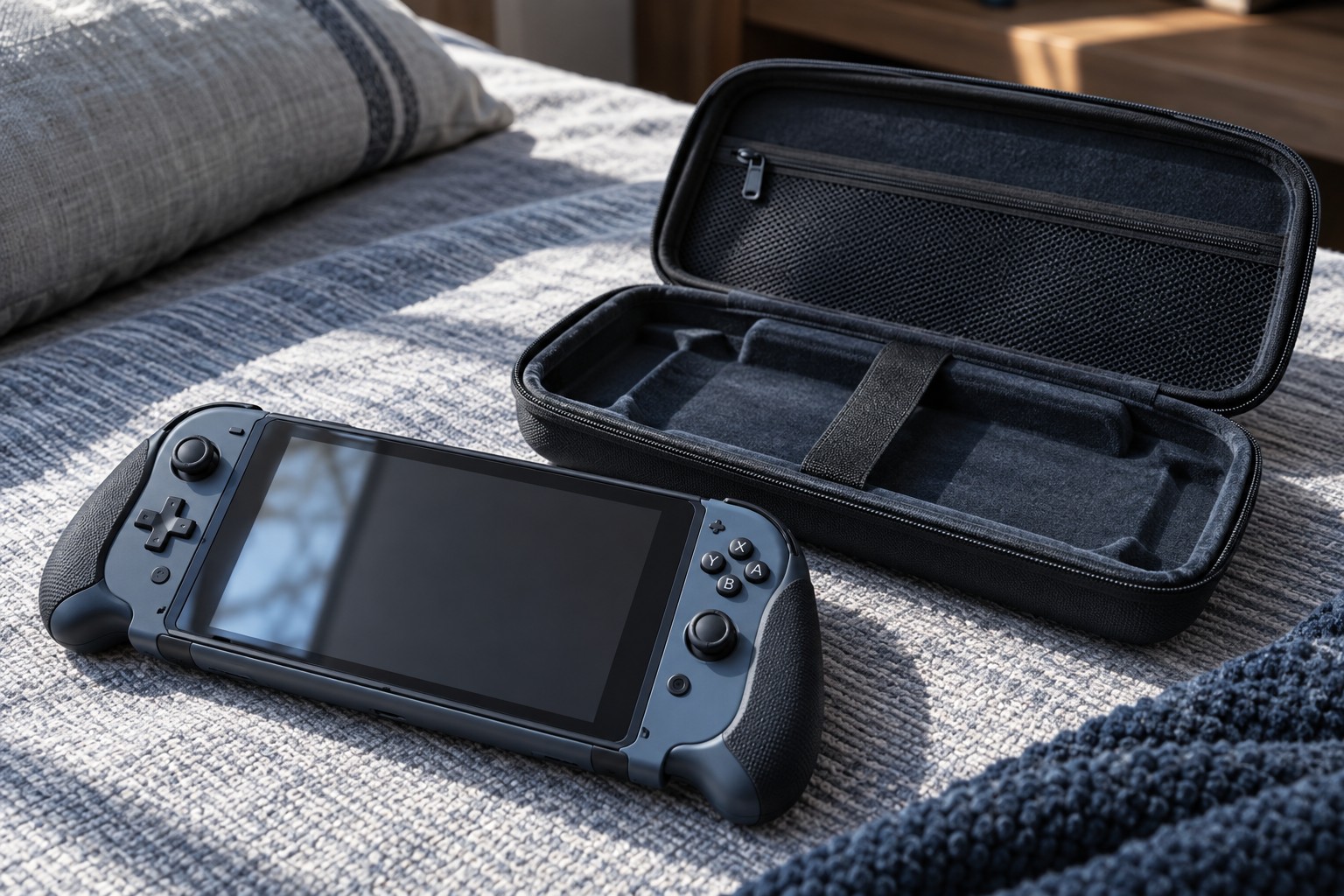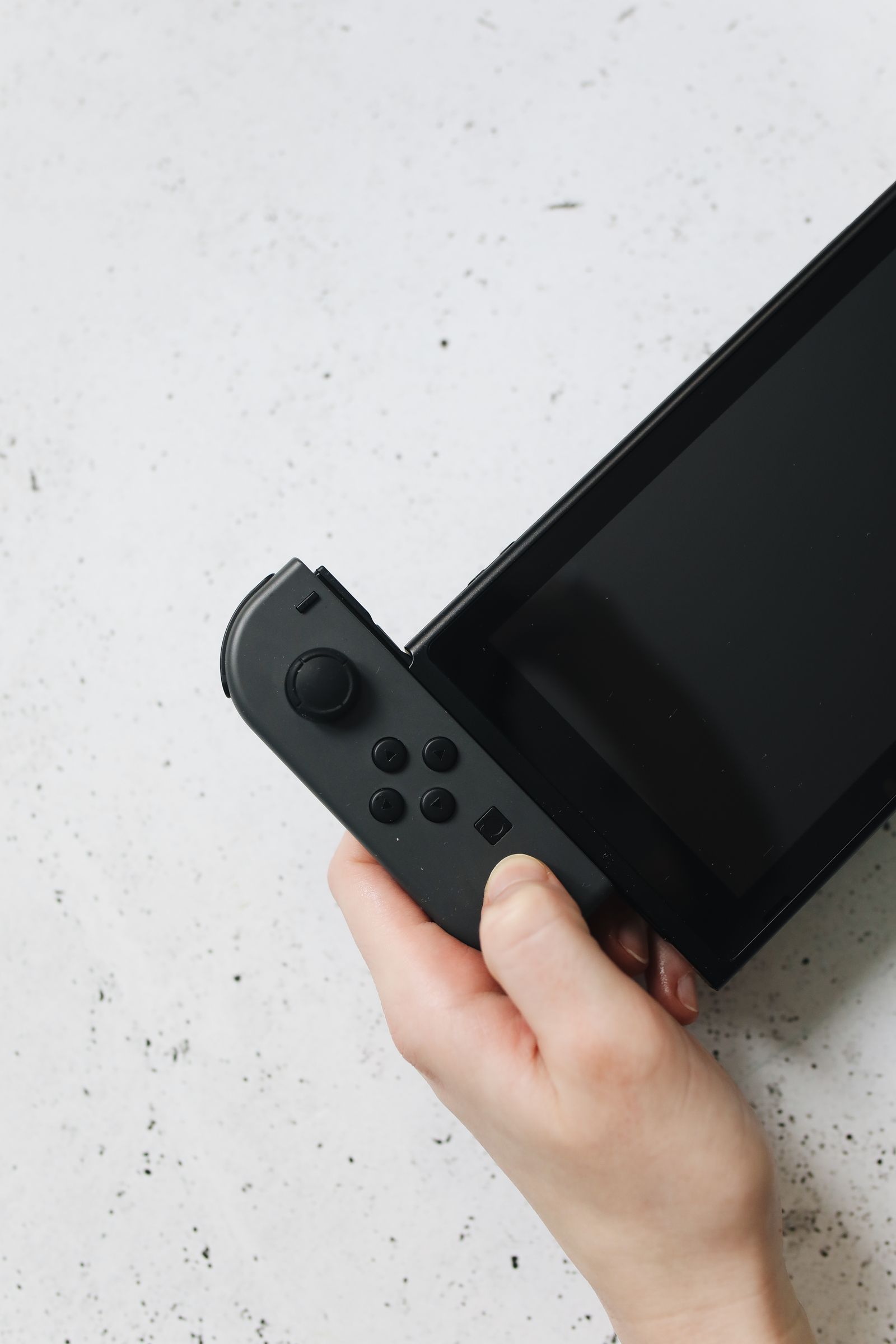
Confirm platform and game support
Read the handheld's controller support and the controller maker's compatibility list. A portable PC and a dedicated console can have different requirements even when both connect to a television. Do not assume that a controller working on a desktop computer will work identically on every handheld.
Check the games you intend to play. Some may need touch, pointer input or controls not comfortably provided by the external controller. Read whether the platform offers a supported mapping layer and whether the game displays the expected prompts. Basic pairing does not establish a complete usable layout.
Choose the connection for the room
For wireless use, test from the actual seating position with the handheld in its dock. Nearby equipment and the dock's location can affect the practical arrangement. Learn how the controller reconnects and whether switching from another device requires pairing again.
For wired use, confirm that the dock's USB port supports the controller and that the cable carries data. Measure the route to the seat and keep it out of walkways. A cable that reaches only when pulled tight is not a suitable living-room arrangement.
Check any headset socket or special vibration feature separately. Those functions can depend on platform and connection support. If voice chat is important, test the whole audio path rather than assuming the controller's physical socket works in every mode.
Make setup repeatable
Charge or fit the supported batteries before the session and keep the controller's storage place near the rest of the kit. If several controllers are used, label them or use the platform's identification feature so player assignment is clear.
Keep a way to navigate the handheld's system menus if the external controller is not yet connected. A touch screen positioned behind a television or in an inaccessible dock can make troubleshooting awkward. Arrange the equipment so the device remains reachable without pulling cables.
Test startup, sleep, wake and a familiar game during the evaluation period. Save supported mappings and note any connection limits. The useful controller is one that makes the transition to the larger screen straightforward, with controls and features verified in the actual docked arrangement.