Name the exact resolution
Common labels such as 1080p, 1440p and 4K often refer to familiar widescreen formats, but check the actual pixel dimensions and aspect ratio. An ultrawide display can have a different width while sharing the same vertical figure. The graphics workload depends on the complete image, not just the shorthand in a product title.
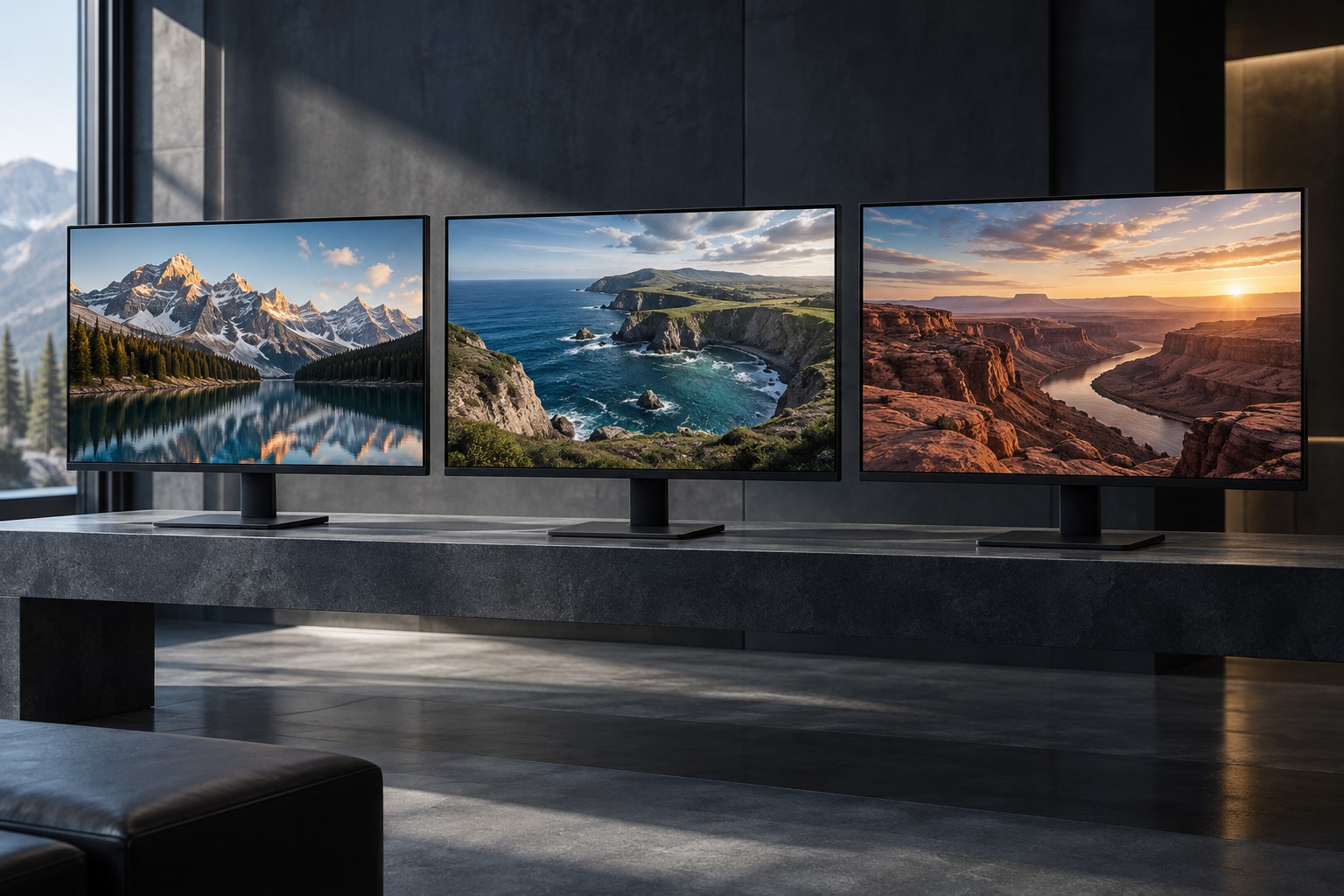
Think about screen size and viewing distance. A higher resolution can provide finer detail at a given size, but the usefulness of that difference depends on the way you view the screen. Text, game interfaces and detailed scenery are different kinds of content to compare.
Balance detail with rendering demands
Rendering more pixels generally asks more of the graphics system when other conditions are comparable. Check performance evidence for the games and settings you want at the proposed resolution. A card that meets a high frame-rate target at one resolution may need different settings at another.
Upscaling and resolution scaling provide additional options in supported games, but they are not identical to native rendering. Compare image quality and performance in the actual game, including fine edges, motion and interface clarity. A headline output resolution does not tell you the internal rendering conditions behind a benchmark.
Decide which tradeoff matters most to you. Fast action may make a consistent frame-rate target particularly important, while a slower detailed game may leave more room for higher image settings. These are priorities to choose, not rules that restrict a genre to one resolution.
Check desktop use and connections
At higher pixel densities, operating-system scaling may be needed to keep text comfortable. Microsoft provides separate resolution and scaling controls, and each display can need its own setting. Test the applications you use between games so the new screen does not create tiny controls or inconsistent text.
Confirm that the computer output, monitor input and cable support the intended resolution together with the desired refresh rate and color features. A screen's maximum resolution alone does not establish every combination over every input. Read the monitor's supported-mode table if the connection is important to the purchase.
If a console also uses the display, check its supported output modes and the monitor's handling of them. A PC-friendly native resolution may not be a console's preferred output. Understand whether the result is scaled or letterboxed rather than assuming every source uses the panel identically.
Choose a complete target
Write the decision as a combination: screen size, resolution, refresh-rate goal and acceptable game settings. Compare complete systems against that target. This makes the budget more coherent than buying a high-resolution monitor first and discovering that the computer cannot deliver the experience you expected.
Keep the current display if it still fits the target and another limitation is more pressing. Resolution is one part of the experience, alongside contrast, motion behavior, fit and reliable connection. An upgrade should improve the way you actually use the desk.